Tutorial: generate a digital exhibition from files in a GitHub repository
The tutorial will guide you in creating a web-based digital exhibition from files in a GitHub repository.
You will:
- Define the contents of your exhibition using files arranged in a prescribed directory structure
- Generate a website for the exhibition using GitHub Actions
- Deploy the site using GitHub Pages
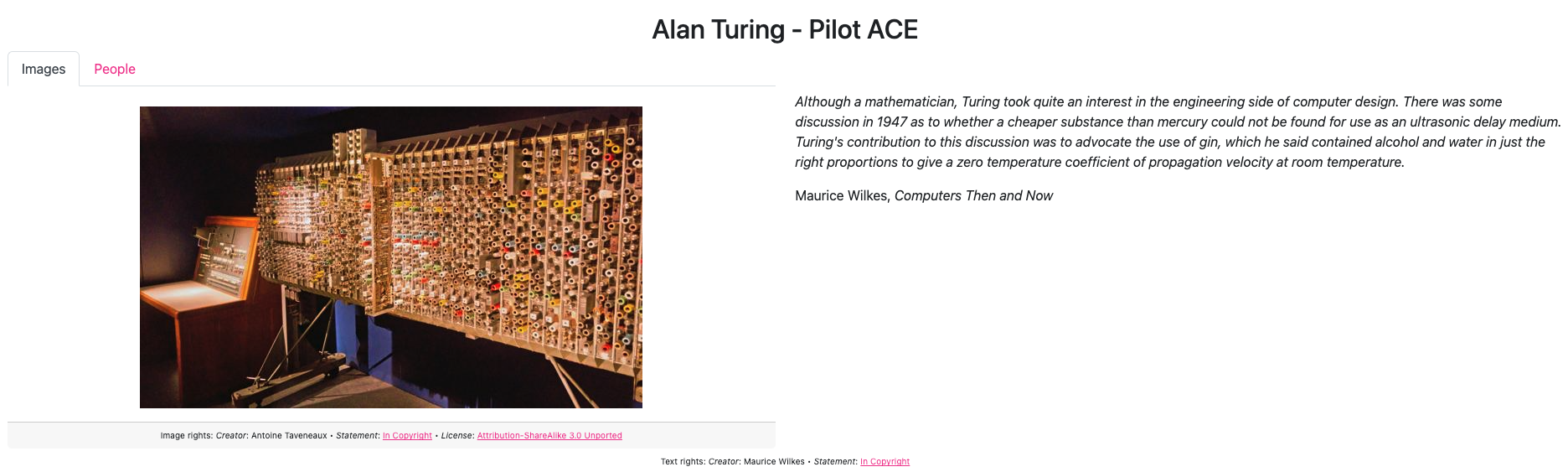
The end result will look like:
Before you start
For this tutorial you will need:
- A GitHub account to create a GitHub repository, set up GitHub Actions, and deploy your generated website using GitHub Pages
You do not need to install git or any other software on your computer.
Create and configure a GitHub repository
Copy the template GitHub repository
Follow these instructions on creating a GitHub repository from a template, using this template repository.
Configure GitHub Pages
Follow these instructions on publishing GitHub Pages with a custom GitHub Actions workflow.
Generate the site
Follow the recipe on manually running a GitHub Actions workflow.
The GitHub Actions workflow is transforming files in the repository to the Paradicms data model, generating the digital exhibition website, and deploying it to GitHub Pages.
Navigate to your site
Follow the recipe on visiting your GitHub Pages site.
Your site is now available on the public Internet, and you can share it with people.
Next steps
Your new GitHub repository contains example data copied from the template. When you are ready, proceed to the tutorial on editing file-based collection data.